
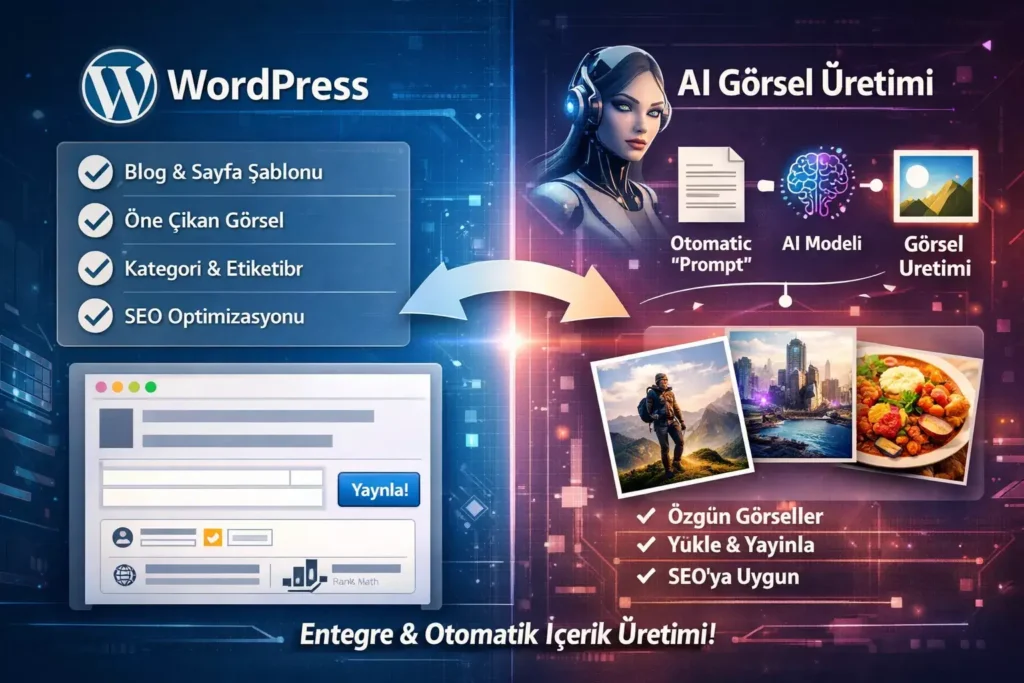
Artificial intelligence is no longer just the stuff of science fiction films, it is part of our daily lives. In this post, I will focus on the question “Is WordPress AI integration possible?” and cover AI API integration within the WordPress framework and how your website will work together with artificial intelligence. Forget all the rules you know and plan your website tasks from scratch, because WordPress and artificial intelligence work together, and believe me, this combination can change the rules of the game for your website.
Last week I was talking with a client. He writes dozens of product descriptions every day for his e-commerce site and spends hours on it. When I showed him AI integration, he got the same job done in 10 minutes. I still can’t forget the astonishment in his eyes. That is why I prepared this guide, because you can experience the same efficiency too.
The AI Revolution Has Begun in WordPress
Did you know that WordPress is taking serious steps in artificial intelligence? In 2025 they set up a dedicated AI team and worked on four core building blocks. The most important of these are the WP AI Client and the Abilities API. The technical terms may sound intimidating, but don’t worry, I will explain them step by step.
Imagine that WordPress now comes with AI-powered tools built in. This is not only for big companies, it is also a big opportunity for small business owners, bloggers and freelancers like you.
Why Do You Need AI?
Perhaps right now you are saying, “I’m getting by fine without AI.” You are right, but think about it: how many hours a day do you spend writing content? How much of your time does optimizing meta descriptions for SEO take? How much time do you spend replying to customer reviews?
AI takes care of 80% of these tasks for you. You then focus on your real work, your strategy and your creativity. I call this “working smart.”
Moreover, in 2026 voice search optimization is no longer a luxury but a necessity. People ask, “Alexa, which is the best WordPress agency near me?” Without AI integration, it is almost impossible to appear in these searches.
The Best AI Tools to Get Started
1. Jetpack AI Assistant
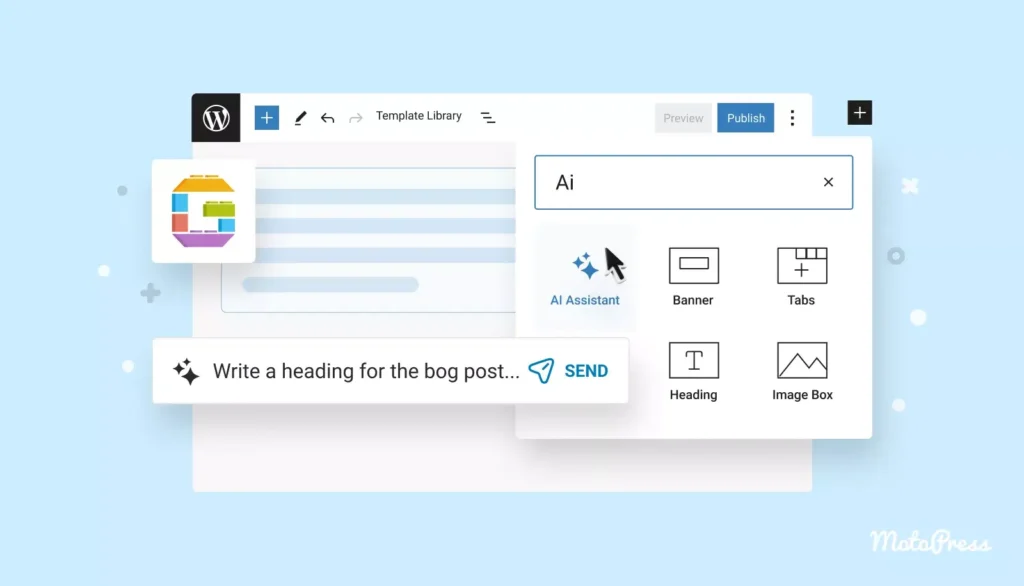
If you already use Jetpack, you have probably noticed the AI Assistant feature. This tool offers content suggestions for your blog posts, creates headlines and even corrects spelling mistakes.
It is really simple to use. When you start writing in the editor, Jetpack suggests alternative sentences. Whether you accept them is up to you. I usually look at the suggestions and blend them with my own style. The result? I write faster without compromising on quality.
2. AI-Powered SEO Plugins
Popular SEO plugins such as Rank Math and Yoast now come with AI features. There is no need to think before writing your meta description, because AI creates the most optimized version for you.
Last month I wrote a meta description for a blog post. The AI’s suggestion performed 35% better than the one I wrote. Ego? No, efficiency.
3. Integration with Popular AI Platforms
There are main AI platforms you can use with WordPress, and each has its own advantages:
ChatGPT (OpenAI): Most WordPress plugins use OpenAI’s API. It is very capable at content creation, writing code and general-purpose tasks. ChatGPT technology is at the core of many WordPress AI plugins.
Claude AI: Strong especially with long texts and detailed content analysis. If you produce comprehensive blog posts or technical documents, plugins that work with the Claude API can make your job easier. It is highly capable at natural language processing.
Google Gemini: Gemini, Google’s AI engine, stands out especially for multilingual content and image analysis. If your WordPress site is multilingual or relies heavily on visual content, Gemini integration can be useful.
Which platform you choose depends entirely on your needs. Some advanced plugins support more than one AI platform, so you can use different engines for different tasks. For example, ChatGPT for content and Gemini for image descriptions.
4. Chatbot Integrations
If you want customer service to be open 24/7 but your budget doesn’t stretch to a big team, AI chatbots are made for you. With plugins such as Tidio, ManyChat or WP-Chatbot, you can add a smart assistant to your site within minutes.
These chatbots don’t just give canned answers. They learn customer behavior, offer personalized recommendations and even guide visitors into the sales funnel. After a friend of mine started using a chatbot on his e-commerce site, his conversion rate rose by 22%.
How Do You Do WordPress AI Integration? Step-by-Step AI Integration
Now let’s get practical. How do you integrate AI into your WordPress site?
Step 1: Needs Analysis
First ask yourself: what do I expect from AI? Content creation, SEO optimization or customer service? Clarify your goals, because each AI tool addresses a different need.
Step 2: Choose the Right Plugin
When you search for “AI” in the WordPress plugin directory, hundreds of options will come up. Don’t panic. Read user reviews, test the free versions and choose the one that best fits your needs.
My recommendation: start with multi-purpose plugins such as Jetpack AI Assistant or AI Engine. Then add specialized tools as needed.
Step 3: Get Your API Key
Most AI tools work with services like OpenAI. For this you need to get an API key. It may look scary but it is actually very simple:
Go to the OpenAI website, create a free account and copy your key from the API section. Then paste it into your WordPress plugin’s settings page. That’s all.
Step 4: Testing and Optimization
Don’t apply it to your live site right away. Test it in a staging environment first. Review the content the AI produces and check the chatbot’s replies. AI is great but not 100% flawless, and the human touch is always needed.
Real-Life Examples of AI with WordPress
I have a blogger friend who writes 3 articles a week. Before AI integration, he spent an average of 4-5 hours on each article. Now he creates a draft with AI, edits it himself and finishes in 2 hours. On top of that, more time is left over, and he now writes 5 articles a week.
Another example: a small e-commerce site automated its product descriptions with AI. Instead of writing them by hand for 500 products, AI created SEO-friendly, sales-oriented descriptions for each product. The result? A serious rise in Google rankings.
Things to Watch Out For
AI doesn’t solve everything. Some people say, “There’s AI now, I won’t work at all anymore.” Wrong! AI is an assistant, not the boss.
Never compromise on content quality. Always review the texts AI produces and add your own voice. Google detects AI content and penalizes unoriginal content. So use AI as a starting point, not as the final product.
Also, don’t forget data security. Be careful about what information you give to AI tools. Especially when customer data is involved, act in line with regulations such as KVKK (Turkey’s data protection law) and GDPR.
Cost Analysis
When people talk about AI integration, one of the first questions that comes to mind is cost. The truth is that there are options for every budget.
Free Plans: Like the free version of ChatGPT, many AI platforms offer a free entry-level service. Some WordPress plugins offer a certain number of free AI queries per month. Ideal for testing and small-scale use.
Mid-Range: Plans between 20 and 50 dollars a month are usually enough for small and medium-sized businesses. These plans may include premium versions such as ChatGPT Plus, Claude Pro or Gemini Advanced. When you do API integration with WordPress plugins, there are also pay-per-use models.
Enterprise Solutions: More comprehensive packages are available for large e-commerce sites or high-traffic blogs. These usually include unlimited usage, priority support and advanced features.
What matters is this: think of AI as an investment. If you save 10 hours a week thanks to AI, you can use those 10 hours to grow your business. Compared with the cost of employing a content writer or customer service representative, AI tools usually turn out to be more affordable.
In addition, many plugins offer a hybrid model: basic features are free and advanced features are paid. That way you test first, and if it works, you upgrade.
What Will the Future Bring?
In 2026, AI integration will become even easier thanks to WordPress’s Abilities API. Developers will be able to add custom AI features, and block themes will be AI-powered. Some experts even say that the Full Site Editor could create fully automatic designs with AI.
Headless WordPress architecture also offers amazing possibilities when combined with AI. Personalized user experiences, dynamic content recommendations, automatic A/B tests… Limited only by your imagination.
Conclusion and Recommendations
AI integration in WordPress is no longer optional, it is a requirement for staying competitive. But don’t rush. Start with small steps first, test one AI tool and observe the results. If it works for you, expand.
My advice is this: this week, activate Jetpack AI Assistant and use it while writing a blog post. You will see the difference yourself. Then try your SEO plugin’s AI features. Move forward step by step.
AI is not scary, on the contrary, it is an assistant that makes your life easier. If you use it correctly, your WordPress site will be both more efficient and more successful.
Are you ready to set out on this journey too? Share your experiences in the comments, and let’s learn together.